The Deliver To field refers to the name of the account to whom the order is delivered. By default, this field is set to Mandatory. The user can input the minimum and maximum length which is the number of all characters in a string.
To change the variation of the fields – such as Mandatory, Enabled, and Ignorable – perform the following steps:
- Tick the box next to the variation.
- Click Save Changes.
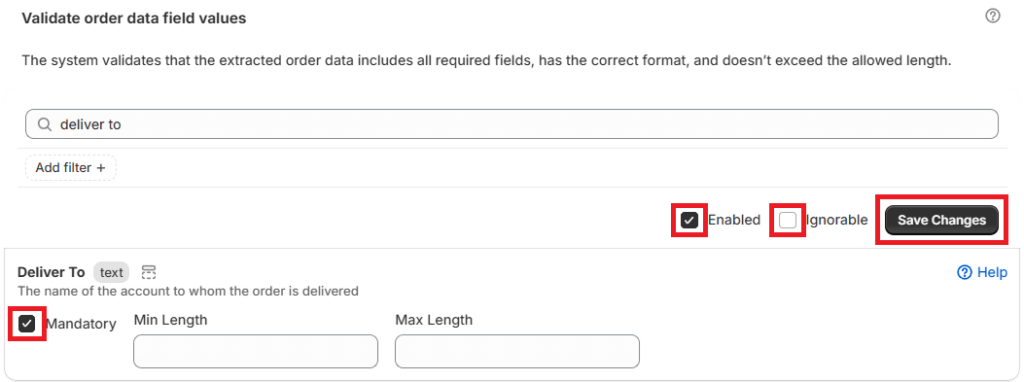
The different variations are as follows:
- Mandatory – the system will require the field/order data to be included
- Enabled – the business rule will be automatically applied to all orders processed by the App
- Ignorable – the variance will be flagged in an order, but the user can still export the order to draft
To view the Deliver To field in an order, perform the following steps:
- Open the order through the Orders Page.
- Click on Original.
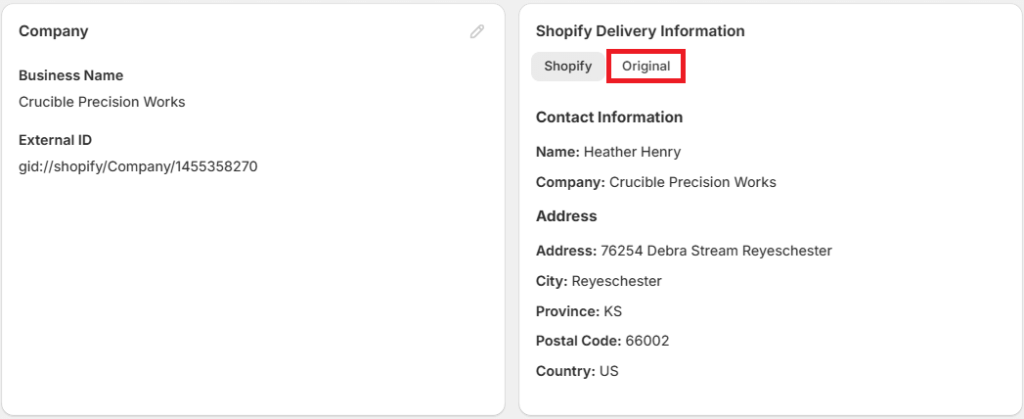
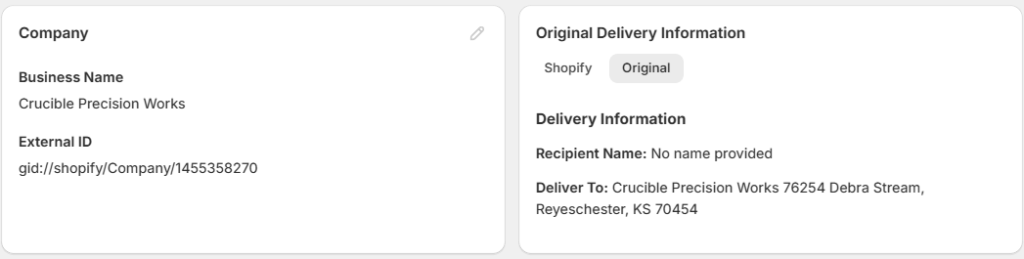
The Delivery Information tab shows the Shopify Delivery Information by default. The details in this tab are populated based on the Company details.
Related article: Business Rules


