The Portalink™AnyOrder App is now available in the Shopify App Store. To get it, perform the following steps:
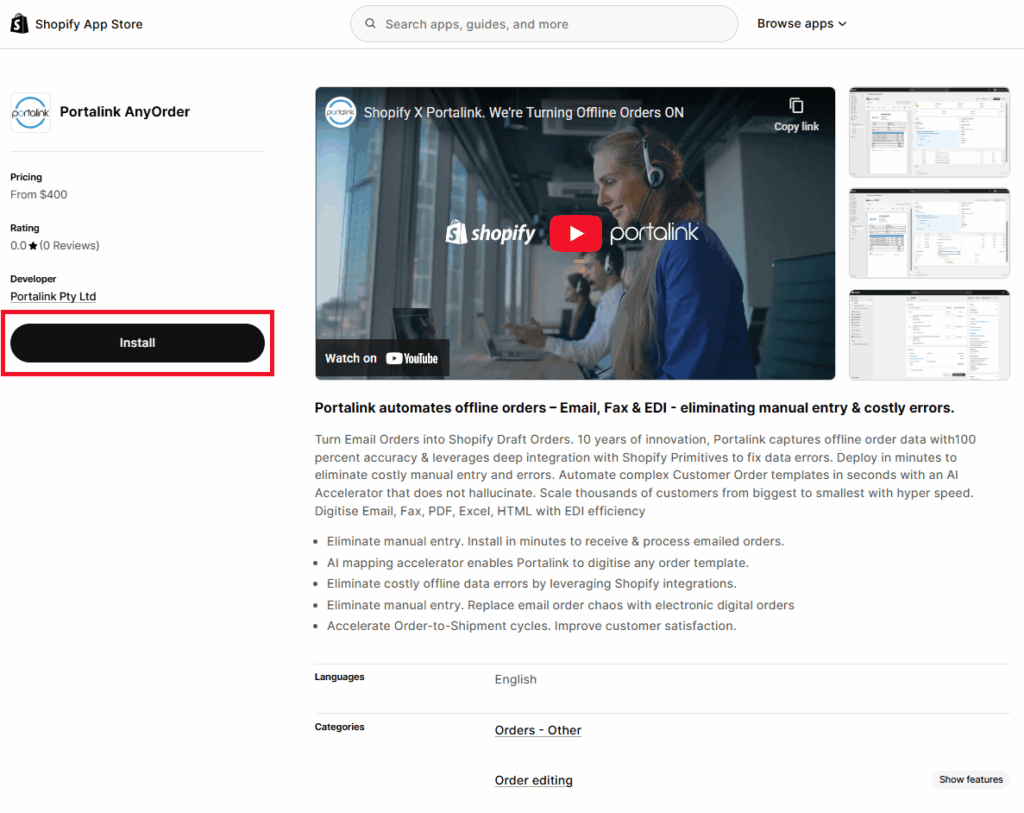
- Search for “Portalink” in the Shopify app store.
- Click Install.
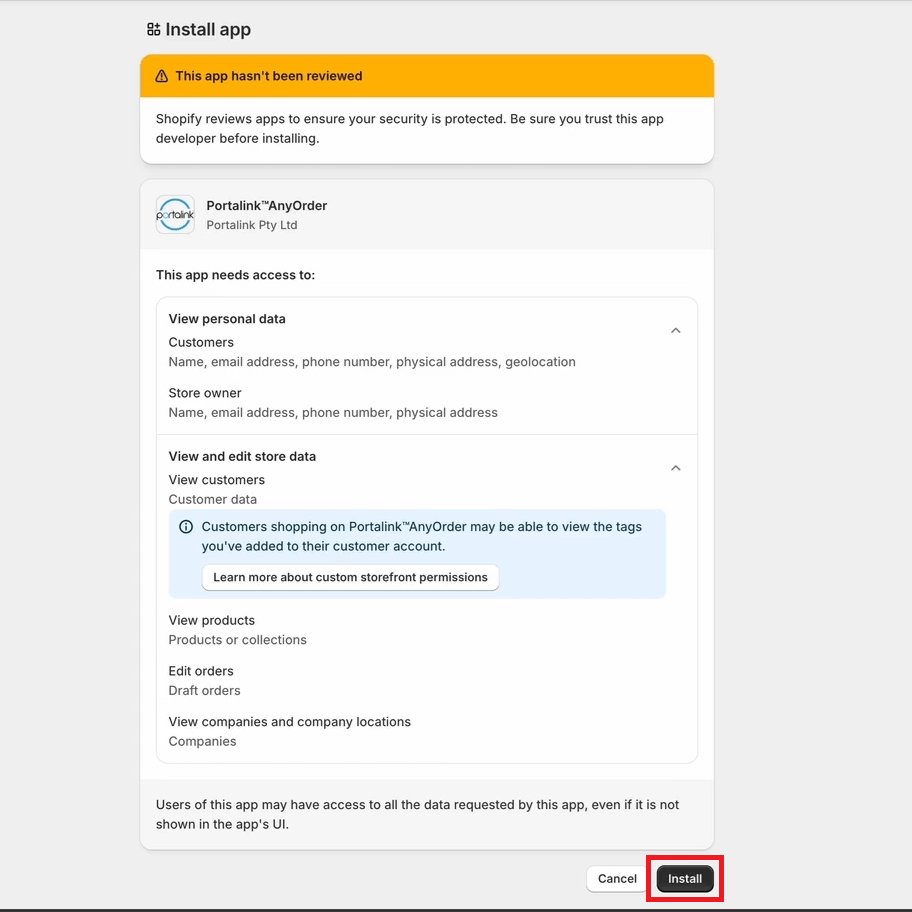
- In the Install app page, the user can see the required access level on the App that was generated by Shopify. Click Install.
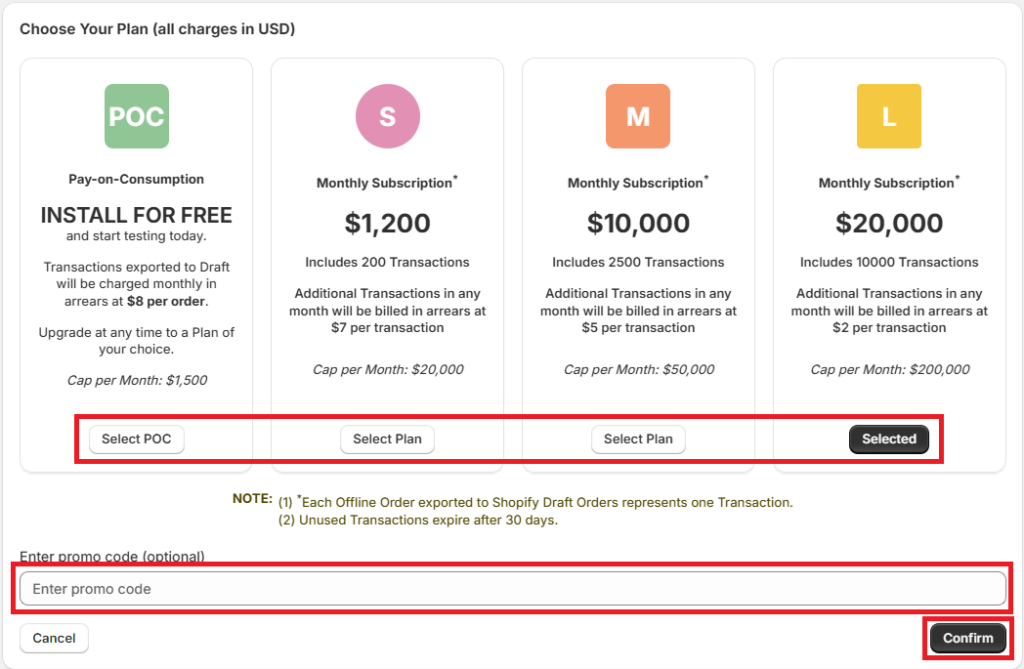
- In the Choose Your Plan page, click on Select Plan on the preferred plan.
- To get special pricing, the user can input a promo code.
- Click Confirm.
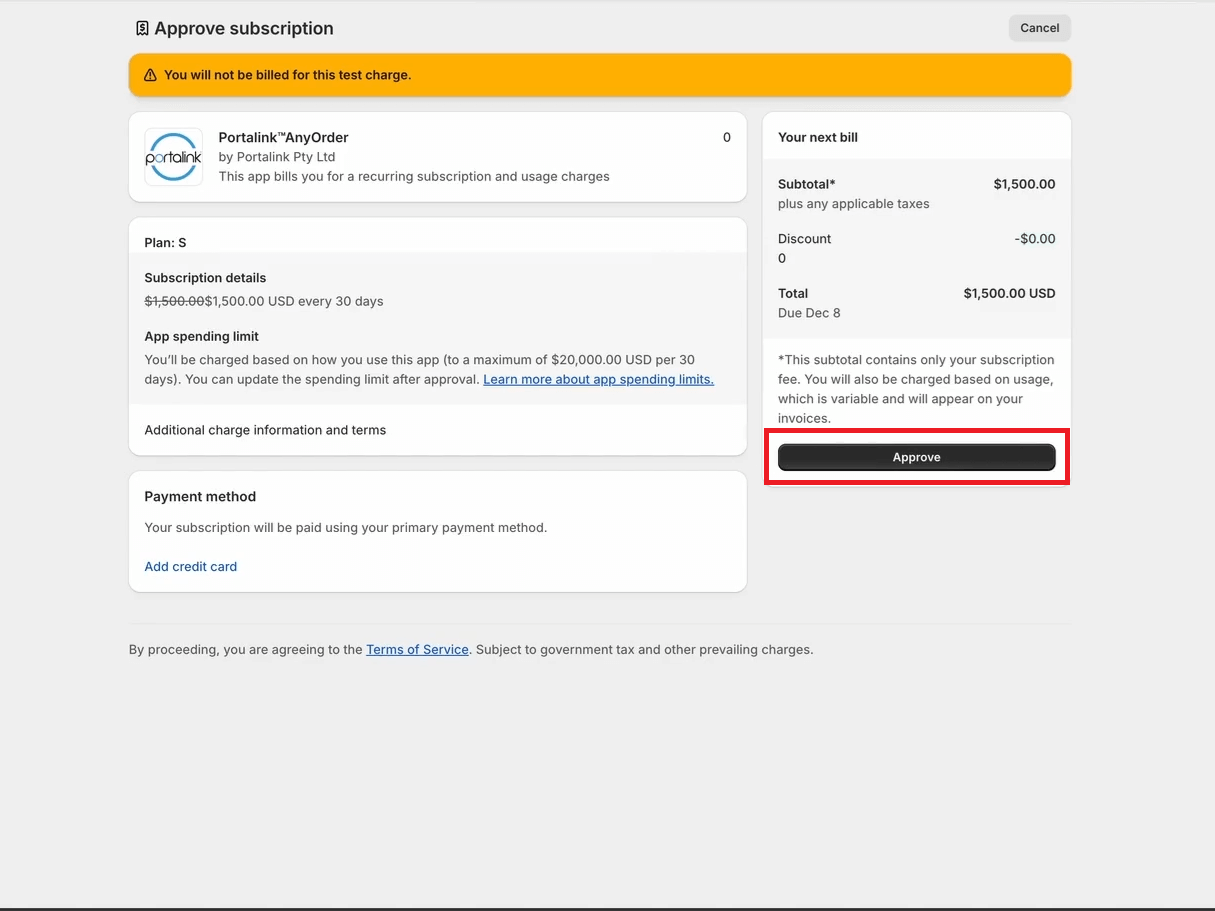
- In the Approve subscription page, the user can check the plan and choose the payment method. Click Approve.
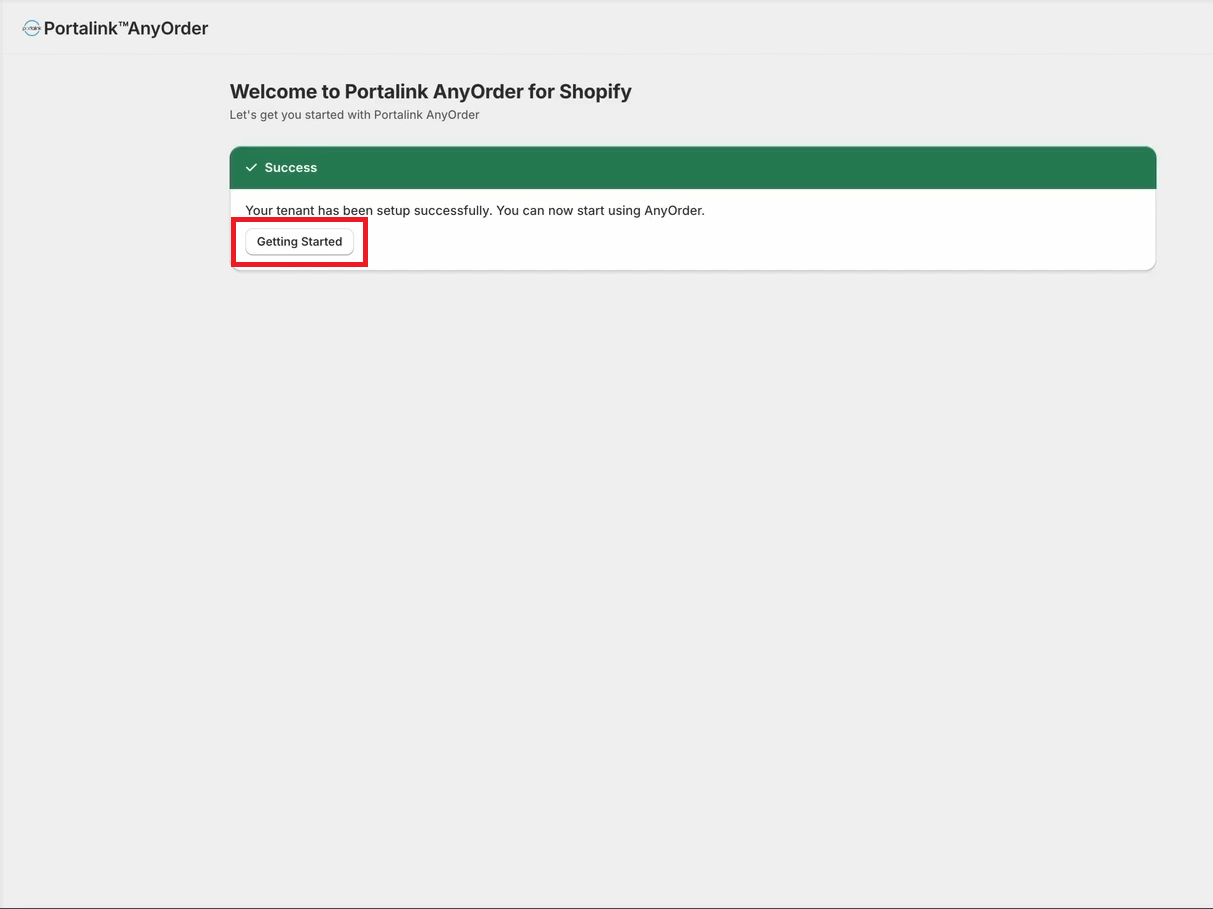
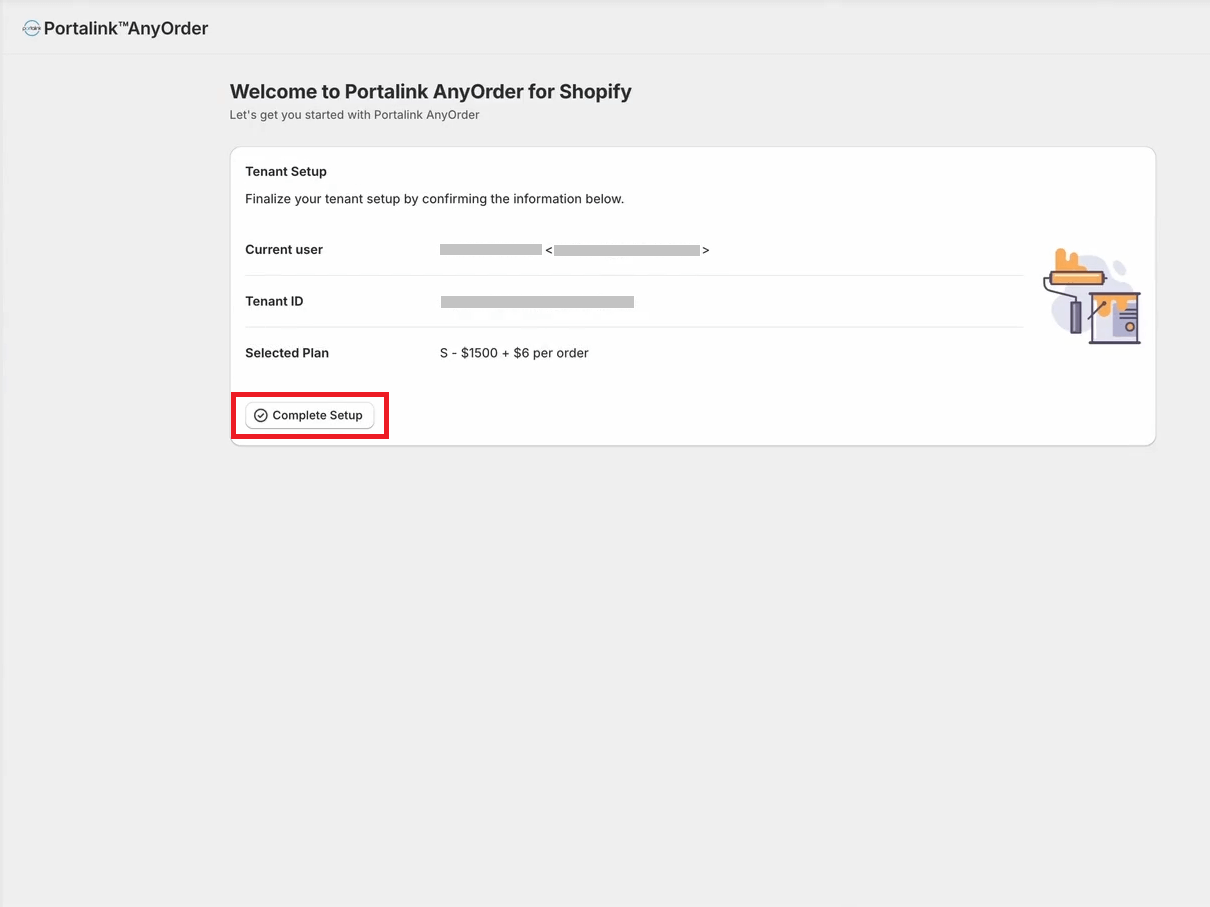
- The final step of the installation process is the automated tenant setup, which occurs at the backend of the Portalink™AnyOrder app. Click Complete Setup.
- The app is ready to use at this point, but it is highly recommended to read through the Getting Started page. Click Getting Started.